
Creating a DiY AI Companion

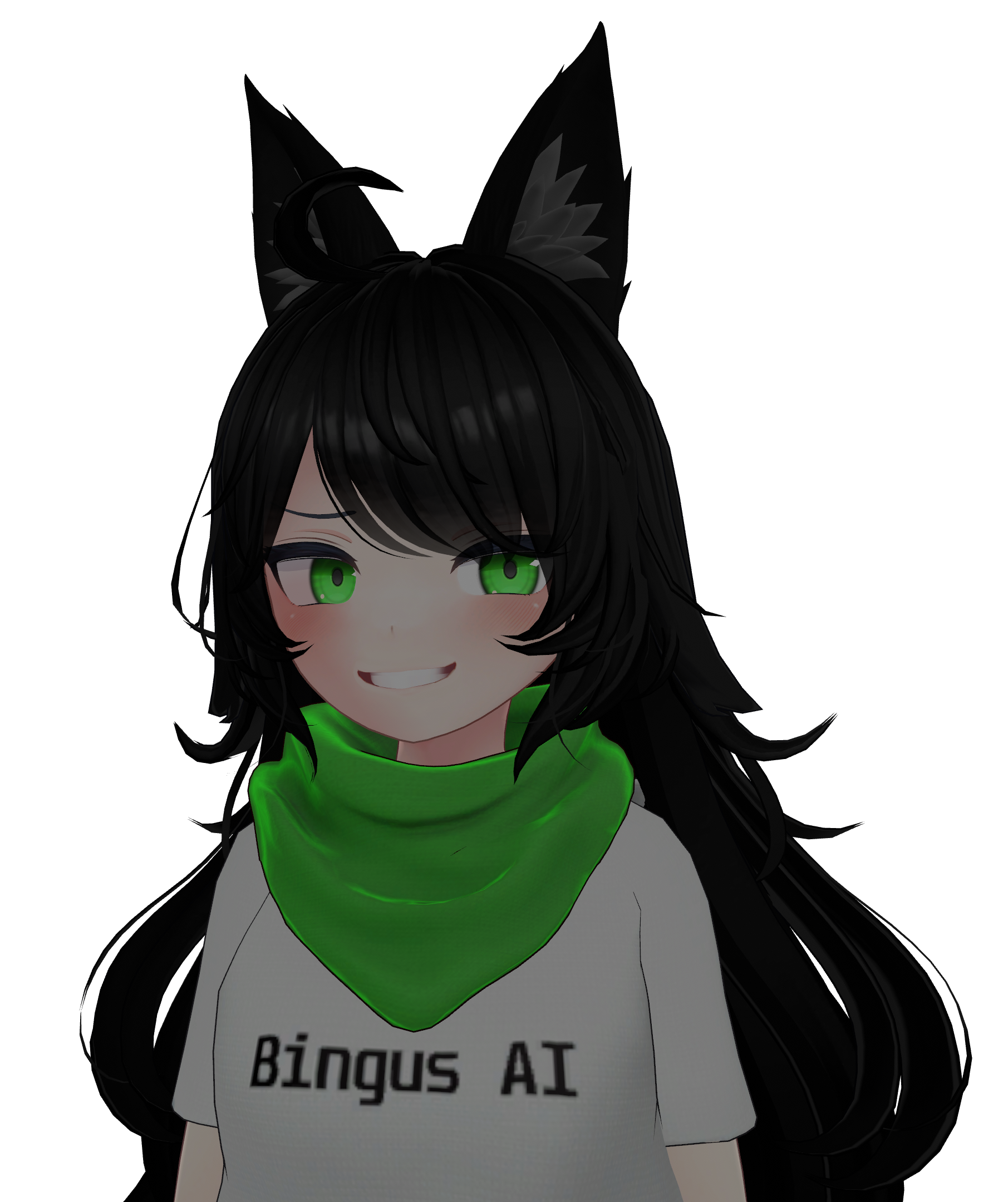
This is Bingus, we love Bingus. Some time ago I created this character to be effectively the antithesis of your standard AI companion character.
- She does not like you very much, if at all.
- She does not want to be your friend.
- She does not care how your day was.
- She would prefer if you did not exist.
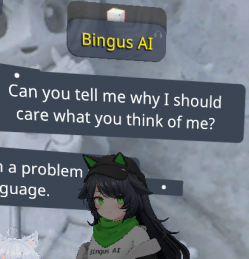
As time went on, people for some reason seemed to like this character and were curious as to how I had her set up. The methods have changed significantly since the beginning, but this will serve as a guide on how to make your very own Bingus, as she is in her current form, with open source tools. I will also go over what you can expect from doing so.
How To Bingus: The Basics.
Prerequisites
- SillyTavern - Installed in some way. The method does not matter
- A relatively recent GPU if you want RVC for voice
- Voicemeeter or something similar for audio routing
At the end of this guide what you will have is an AI-powered character with a personality that you decide that can listen and respond to speech. You can put it in a discord channel, hook it up to a game, or expand on it and add some sort of visual representation like I have done with Bingus. This guide is not supposed to be all-encompassing, the intent is to set you on the right path. Collaborate and share with others what you create.
If this were a guide on how to build a house, I would be telling you how to put up the walls and roof. It's up to you what you fill the space with, or what you want to add.
This part is really important. You can skip this for now if you don't know what you want, but you should really be thinking about this. Who is your character? What does it look like? Favorite Colors, foods, hobbies. Give it PERSONALITY. Once you have these ideas, create a character card in SillyTavern. While you're there, set up SillyTavern with the LLM endpoint of your choosing. Personally I like OpenRouter but you can use anything you like.
You will need to use the TTS extension for SillyTavern. When configuring this, the easiest one to use is edge voice, but this requires you to use a SillyTavern PLUGIN. Yes, this is different from an extension. You can find the extension here:
 SillyTavern
There are many options for this, and depending on the resources you have, feel free to play around. Edge provides a good basis for things, but personally I prefer Kokoro TTS. The TTS backend you choose here will color the voice differently if you choose to use RVC later.
This requires the Speech Recognition SillyTavern extension. I am using a very slightly modified version of the speech recognition extension that adds a cooldown to prevent the bot getting overwhelmed. you can find my fork of the extension here:
 Korosys
The simplest way to configure is using Browser. This requires using a chromium-based browser for SillyTavern, but is much easier to set up. Any flavor of chromium will do. The most important settings are:
- Activation by Voice
- Message Mode: Auto Send
This section is a matter of preference and can be entirely skipped if you are happy with the way your bot's voice sounds with its TTS. Training a custom RVC model is easier than you think and can give your bot a lot of personality, especially if you are using a common TTS voice like edge. I won't go into detail on how to train the model, as that is outside the scope of this guide, but there are numerous resources on how to do this. To be clear, when I am talking about an RVC model, I am talking about a model that works for this software:
 w-okada
Putting it All Together.
This is the hard part. Audio routing. It is going to sound simple on paper, but more than any other section in this guide, this gave me the most headache. I will attempt to explain the best way i can.
- You want the INPUT device for the chromium browser running SillyTavern to be hooked up to the OUTPUT from the target application (ex. discord).
- The OUTPUT device of chromium browser needs to go to the INPUT of your RVC voice changer (if applicable, otherwise connect it to the INPUT of the target application).
- The INPUT device of the target application (ex. discord) needs to be hooked up to the audio from the OUTPUT of the voice changer
Flip the Switch.
Once you have it all set up, fire up SillyTavern, and open your character card. If all goes well your character will spring to life and respond vocally to speech! I hope this guide helps someone, I tried to make it as easy to understand as possible.